Comments
Feedback that lands exactly where it’s meant.
Clients click the render and write. No screenshots, no arrows, no guessing which wall they meant.
Share renders, plans and 3D models with your clients. They comment on the exact spot, you revise, they approve. Every decision stays on record.
Villa N°24 / Exterior
V3Ready for approval 12
The problem
Six channels
Five file names · no decision
One project
Every comment on the work
 123
Comments
Clients click the render and write. No screenshots, no arrows, no guessing which wall they meant.
Versions
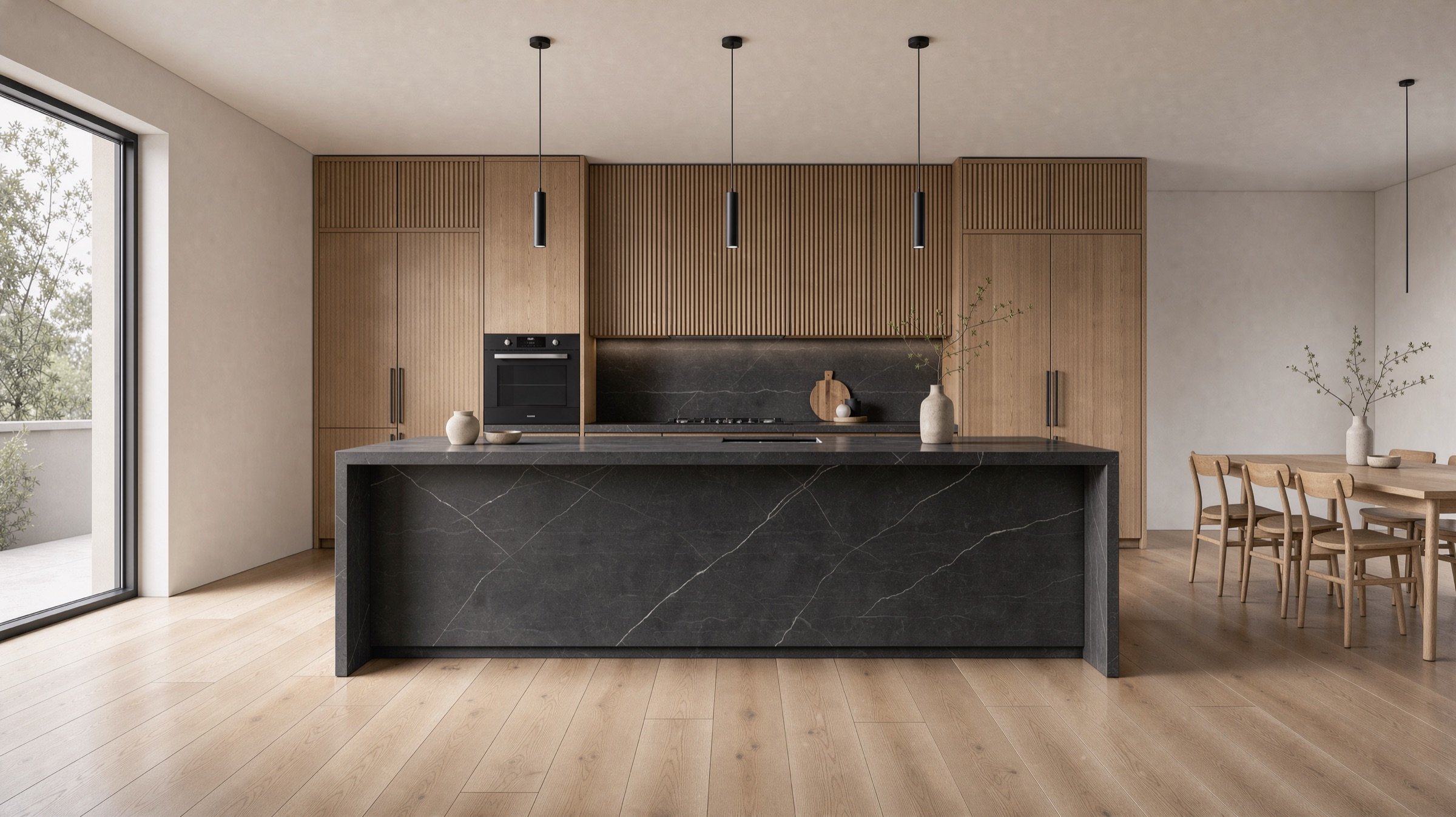
Every upload is a numbered version. Slide between them: same camera, same light, only the change.
Files
Every file you deliver opens in the browser and is reviewed the same way. Nothing to install.
Approve
The client approves a specific version. It locks, and the record shows who approved which files, and when.
123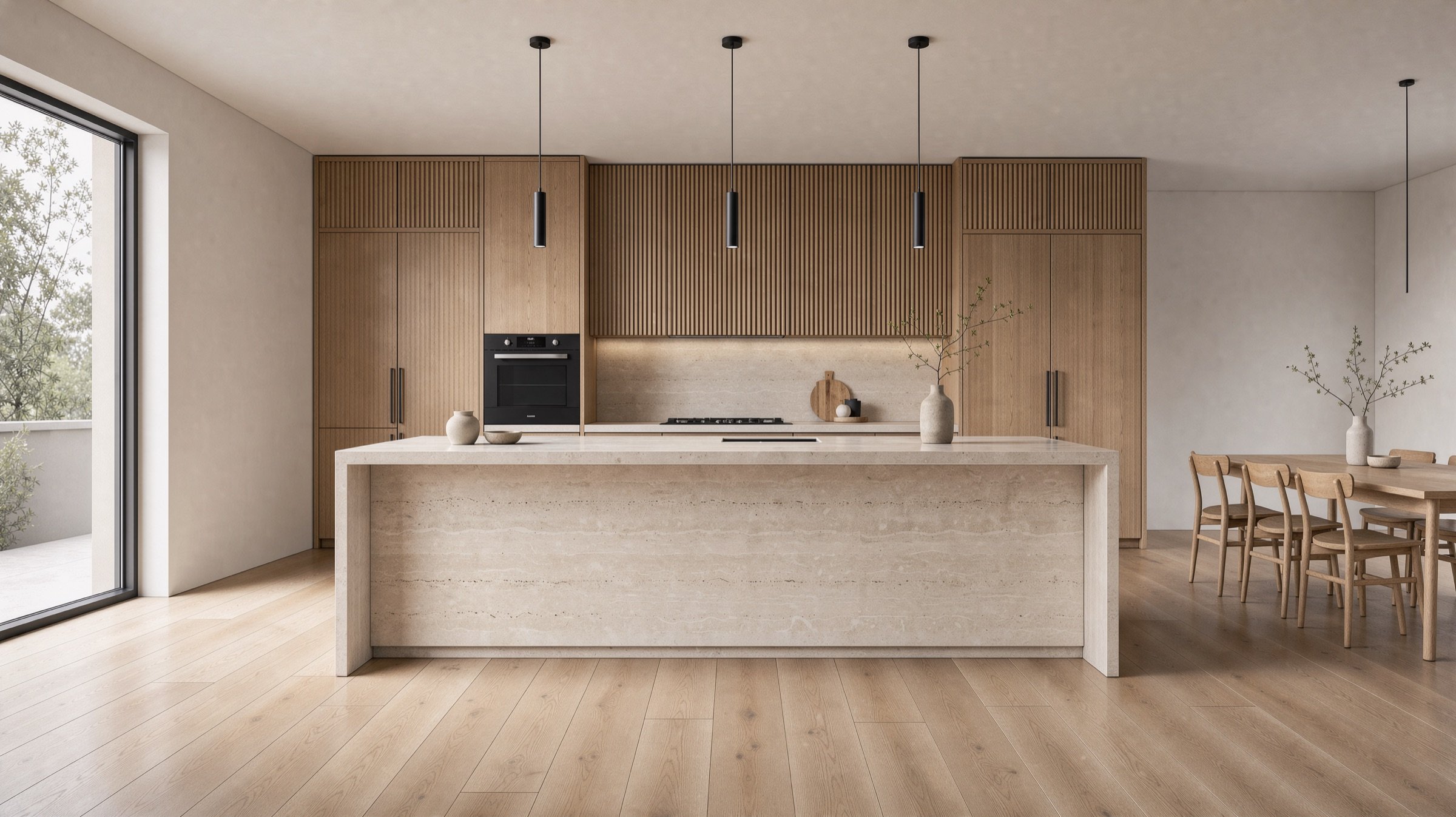 123
Kitchen · V4
Approved
Selin Arda · 3 Oct, 14:12 · Locked
How it works
01
The studio publishes V3 of the kitchen and sends the client one link. No account, no install.
02
Selin opens it on her phone and pins two comments straight onto the render.
03
She requests changes. The request is recorded against V3, with her note.
04
The studio uploads the revised view as V4. Everything else carries over; the change is one click to compare.
05
Selin approves V4. The version locks, and the decision is on record, who, when, exactly which files.
What Loftpin handles
Renders, drawings, PDF sets and 3D models, and 360° panoramas, reviewed in the same place, the same way.
Shown at full quality, never recompressed into different colours.
Plans, sections and elevations, zoomable to the line.
Multi-page sets, with pins on the exact page and point.
GLB models in the browser. Pins stay on the surface as you orbit.
Side by side, or one slider over the other.
Numbered, on the spot, linked to their thread.
Threads with replies, resolved when they are done.
Recorded against the version, with the client’s note.
A locked version and a record of who approved what, when.
Questions
Loftpin is a design review and approval workspace for architecture and interior design studios. Studios publish renders, drawings, PDFs and 3D models as numbered versions; clients comment directly on the work and approve a specific version, which is then locked and kept on record.
Architects, interior designers and visualisation teams who present work to clients and need clear, written decisions, and the clients who review that work.
No. The studio sends a personal review link. The client opens it in a browser, on a phone or a computer, with nothing to install.
Rendered images, 2D drawings, multi-page PDF sets, 3D models in GLB format and 360° panoramas. Pins stay on the exact point, page or surface they refer to.
The client approves a specific version. That version locks, and Loftpin keeps a printable record of who approved which files, and when. Later changes become a new version instead of altering what was approved.
The request is recorded against the version with the client’s note. The studio publishes the revision as the next version, and the two can be compared side by side or with a slider.